
Gentlemen, start your grills. Nothing says the 4th of July like a backyard grill, a pot of chili simmering since sunrise, and neighbors arguing about whose brisket is really the best. This year, we’re giving those cook-offs the recognition they deserve: brand-new BBQ and Chili Cook-Off certificate templates are live in the Certificate Creator catalog, just in time for the holiday weekend.
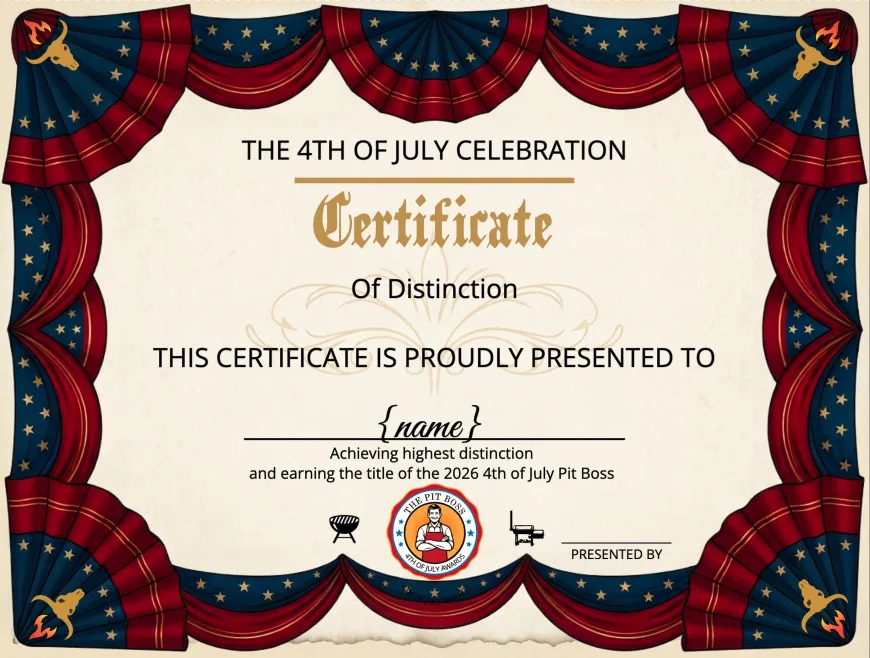
The 4th of July Pit Boss
For the cook who runs the whole show, the 4th of July Pit Boss certificate wraps a patriotic bunting border, gold script, and the Pit Boss seal around a “Certificate of Distinction” that feels like it belongs on the wall of the grill master’s den.
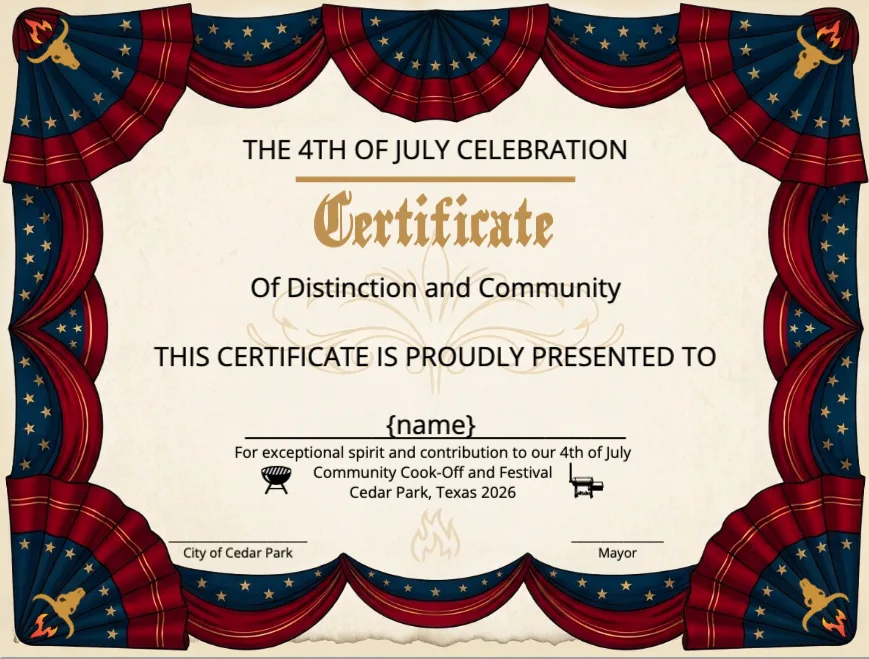
Community Cook-Off & Festival Spirit
Not every award is about who won — sometimes it’s about who showed up and made the day happen. The Community Contributions certificate uses the same patriotic border to recognize the volunteers, organizers, and city officials behind a 4th of July cook-off and festival.
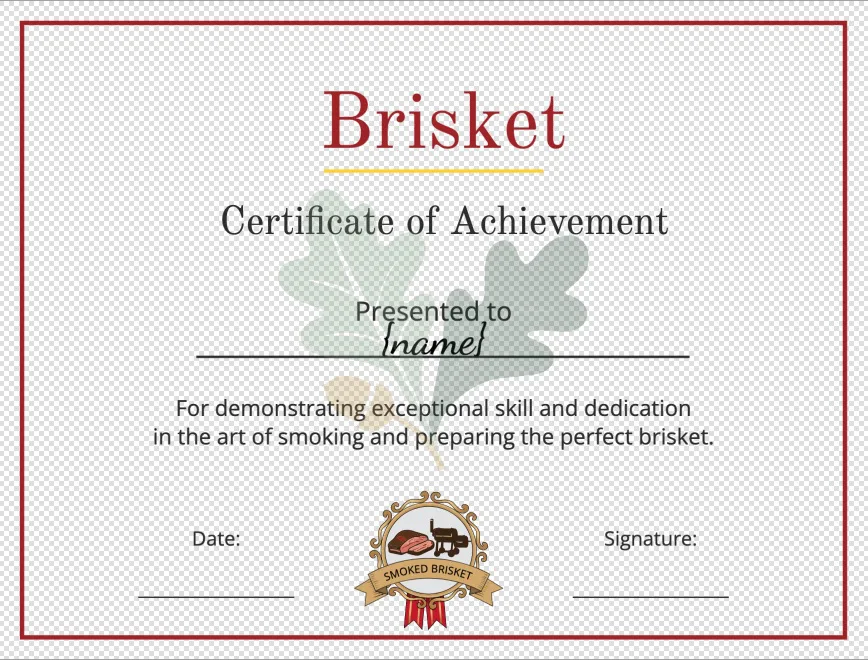
Brisket & Ribs Achievement Awards
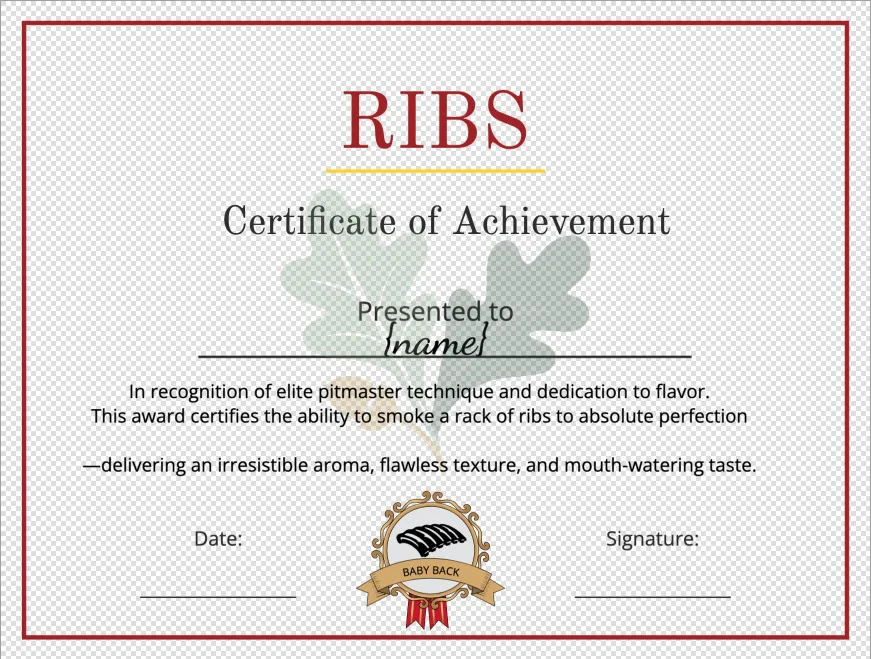
For the pitmasters who put in the hours low-and-slow, we built dedicated Certificate of Achievement templates for Brisket and Ribs, each with its own small ribbon seal (“Smoked Brisket” and “Baby Back”) and language that calls out real technique — bark, tenderness, and flavor, not just a generic “great job.”
BBQ Competition Placement Awards
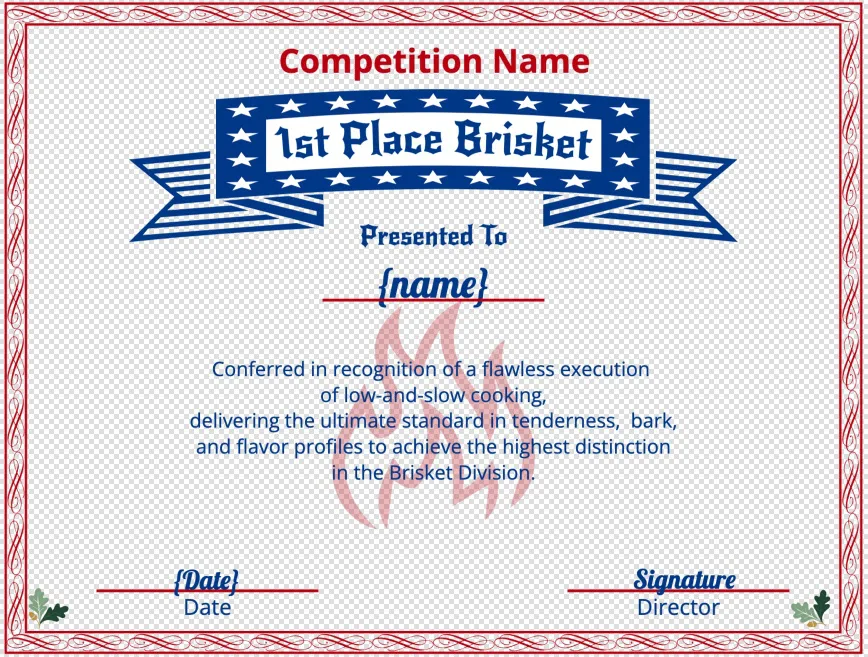
Running a sanctioned turn-in competition? The BBQ Competition Award template is built for exactly that — a bold ribbon banner for the category and placement (1st Place Brisket, and so on), plus a Competition Name field so it’s ready for an official event, not just a backyard cookout.
Chili Cook-Off Category Badges
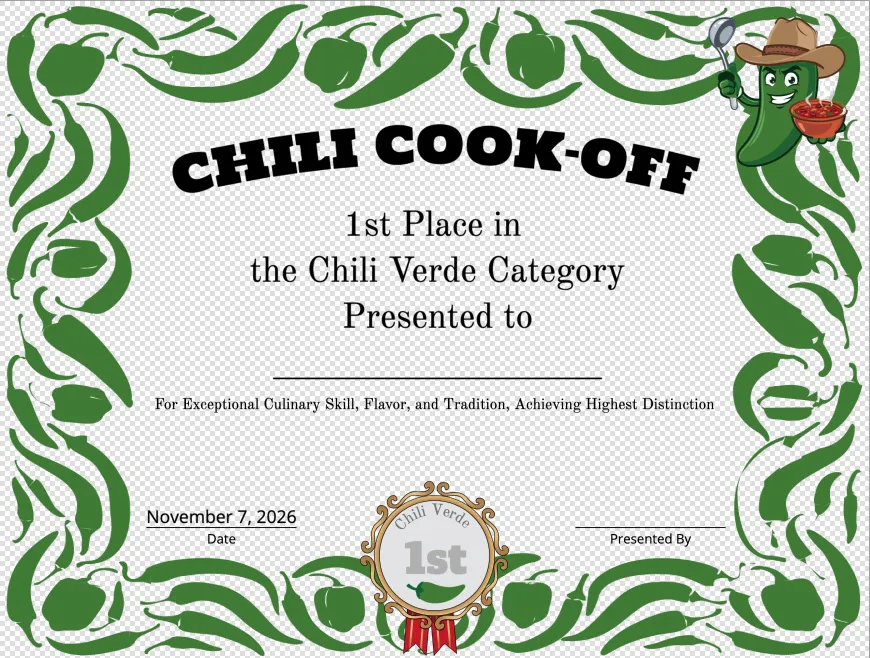
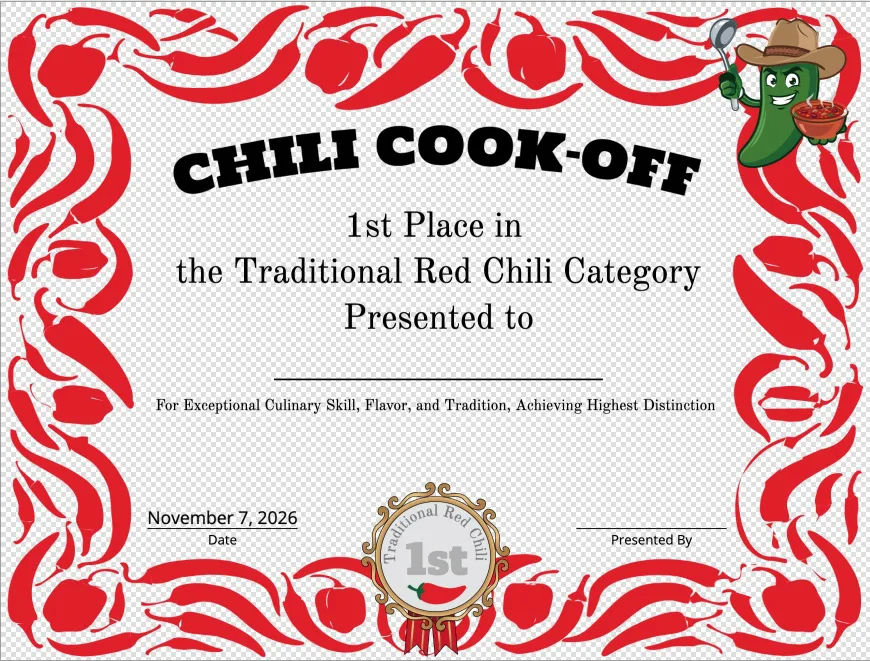
Chili cook-offs get their own look entirely — chile-pepper borders, a grinning chili-pepper mascot, and a category medallion for placements like Chili Verde and Traditional Red Chili, so every pot on the table has something to compete for.
Pro Tip: Reuse a Badge with Copy & Paste
Building a custom badge like the Grand Champion seal below? You can now select it, copy it, and paste it onto a different certificate entirely — even after you’ve switched to a brand-new design. Just drag to select the badge elements, hit Copy from the new Edit menu (or Cmd/Ctrl+C), open another certificate, and Paste it right in.
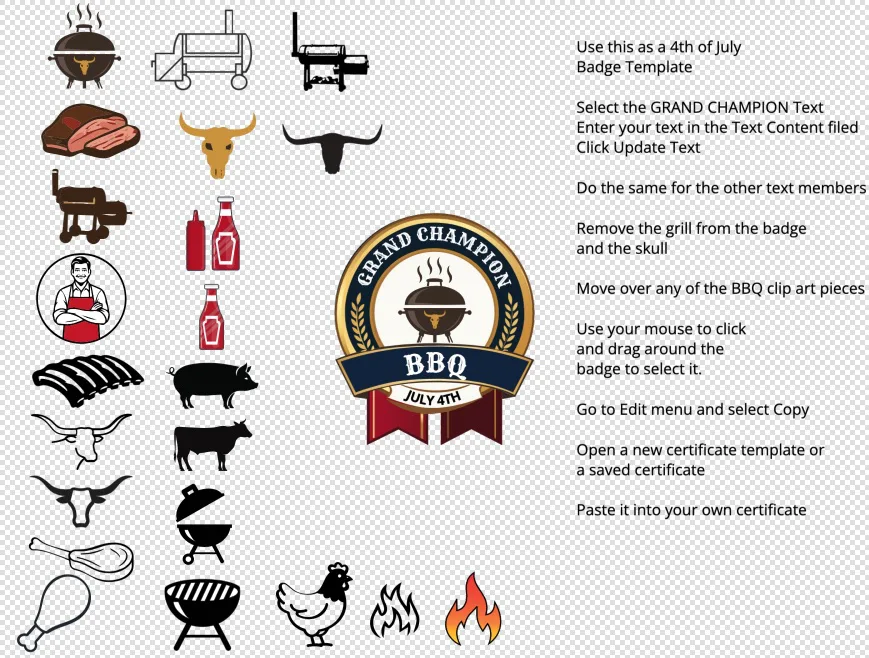
Pro Tip: Build a badge or banner once, then reuse it across every certificate in a competition — categories, placements, and all — without recreating it from scratch each time.
How to Find Them
Open the Certificate Creator, search the template gallery for “BBQ,” “Pit Boss,” or “Chili,” and pick the award that matches your event. Drop in your name, team, or event details, then print — no design experience required.
Whether you’re running a sanctioned competition or just crowning the king of your cul-de-sac cookout, these templates are ready to make the win official.